

Invoice Portal
The Invoice Portal is where finance and operations teams work in One Platform. Use it to follow your invoices, fix the ones that fail, register companies and keep track of credits.
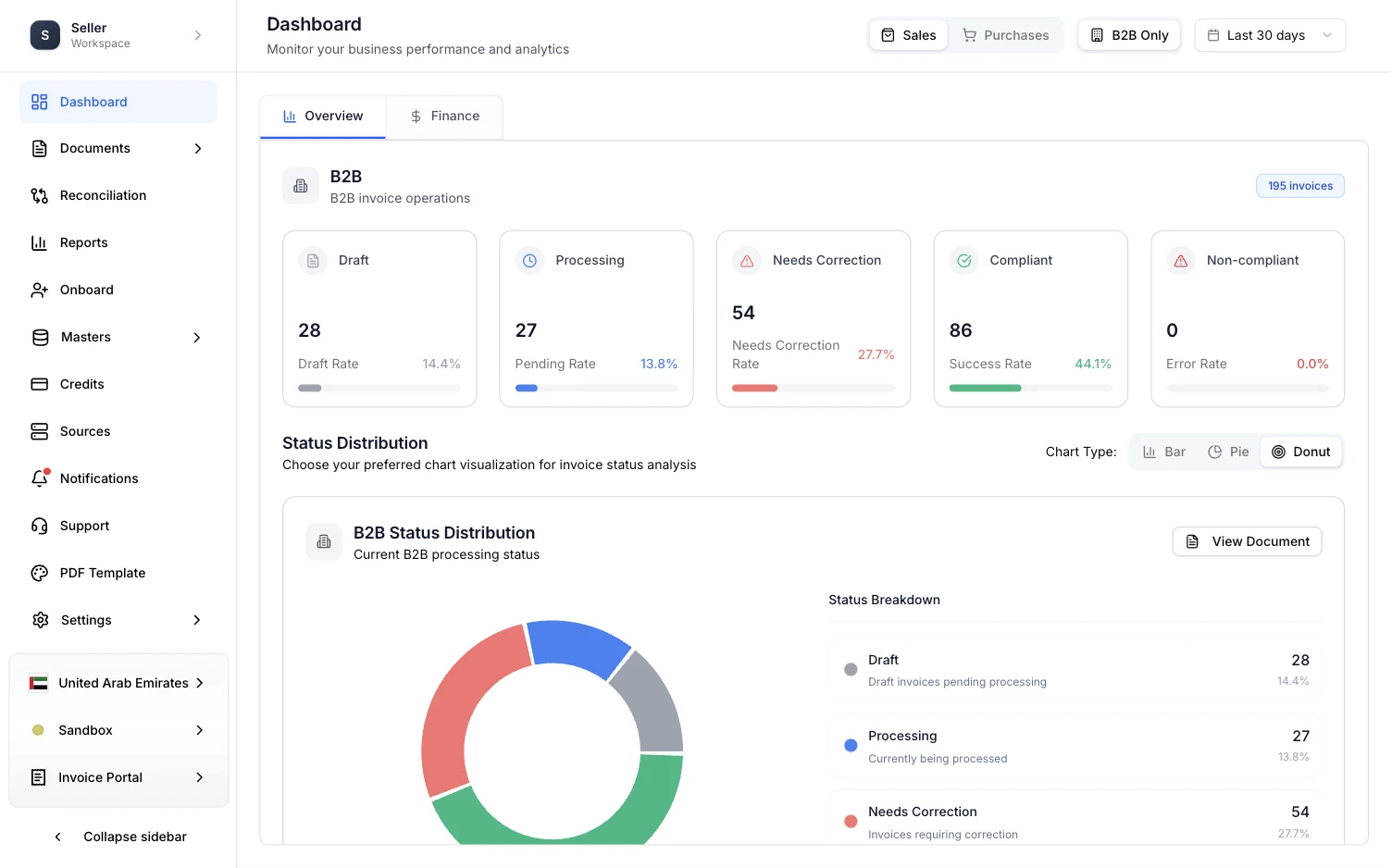
You land here after you sign in, unless you said you were a developer during setup. No code is needed for anything in this portal. Developers work in the Developer portal, which you open from the same sidebar.
What is in the menu
Some items only appear for certain countries. B2C Vault, for example, is for Malaysia.
Your workspace name sits at the top of the sidebar. Collapse sidebar at the bottom shrinks the menu to icons to give the page more room.
Country, environment and portal
Three switchers sit under the menu. Between them they decide what every page in the portal shows.

- Country. The portal shows one country at a time. Documents, reports, the dashboard and onboarding all follow it.
- Environment. Sandbox is for testing. Switch to production when you are ready to send real invoices.
- Portal. Moves you between the Invoice Portal and the Developer portal.
If a page looks empty, or the numbers are not the ones you expect, check these three first. See Switch country and environment.