

Create your account
Sign up with email, Google or Microsoft and verify your address.
Everyone starts here. Creating an account takes a minute, and it is the same whether you will use One Platform for your own business or the Partner Platform for your clients.
Sign up
Open One Platform at one.complyance.io. On the sign-in page, choose Sign up beside “Don’t have an account?“.
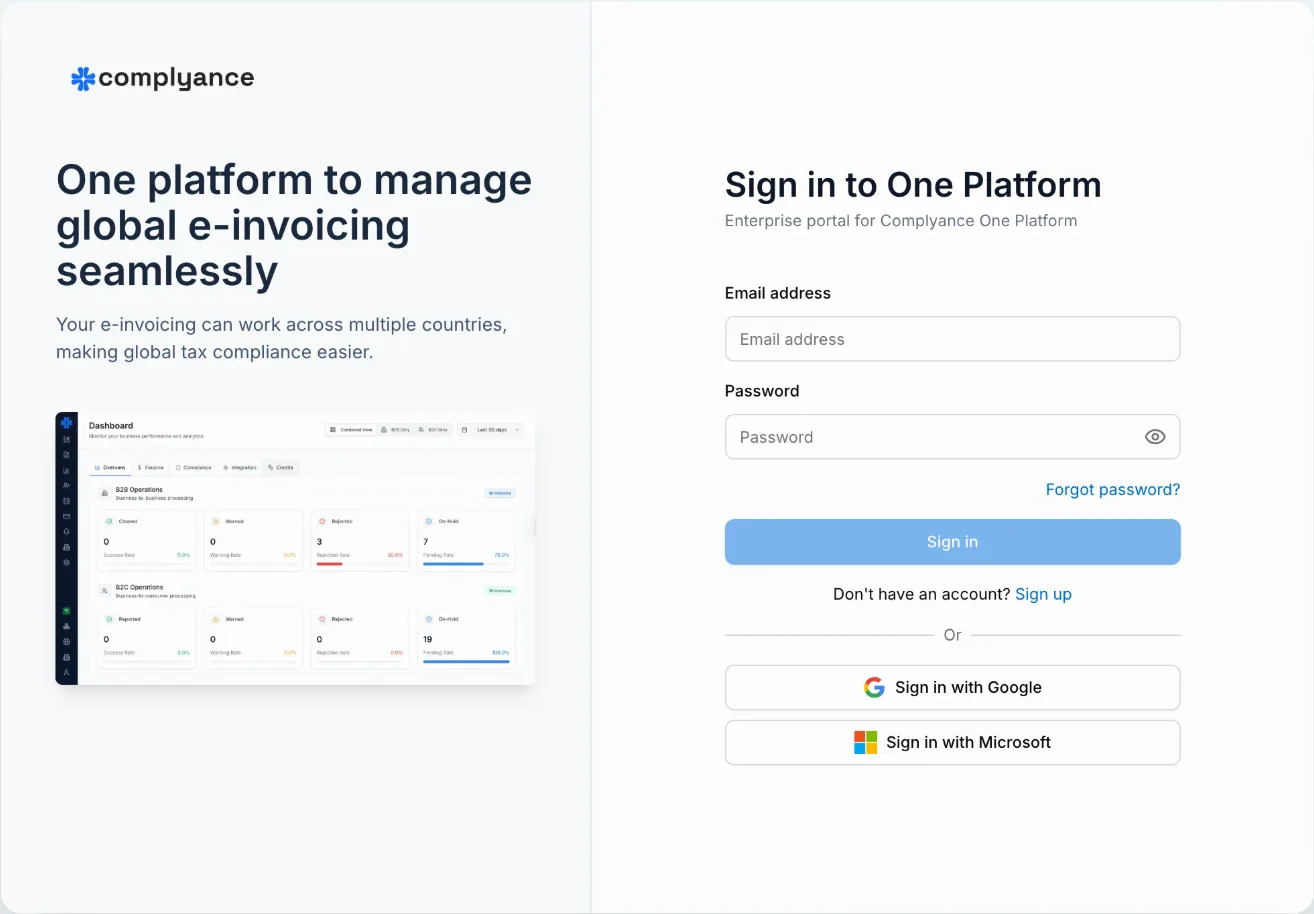
On the Create an account page, enter your name, email and a password, then choose Sign up. You can also use Sign up with Google or Sign up with Microsoft.
Verify your email
If you signed up with an email and password, we send you a verification link. Open it to confirm the address, then sign in.
Didn’t get the email? The confirmation screen lets you send it again.
Where to sign in
| Product | Address |
|---|---|
| One Platform | one.complyance.io |
| Partner Platform | partner.complyance.io |
Both use the same account. If you choose a Partner profile during setup, you are taken to Partner Platform.
What happens next
The first time you sign in, you answer a few questions and name your workspace. See Set up your workspace.
If a colleague invited you, you skip that step and join their workspace instead. See Join from an invitation.