

Complete partner certification
Complete the required checks for a country and see its certificate in Partner Platform. You need a system-integrator or accounting-firm workspace and an invoice payload you can use for the test cases.
Certification is in the Developer portal of system-integrator and accounting-firm workspaces. ISV workspaces do not have it. A system integrator must be certified for at least one country before it can add clients.
Choose a country
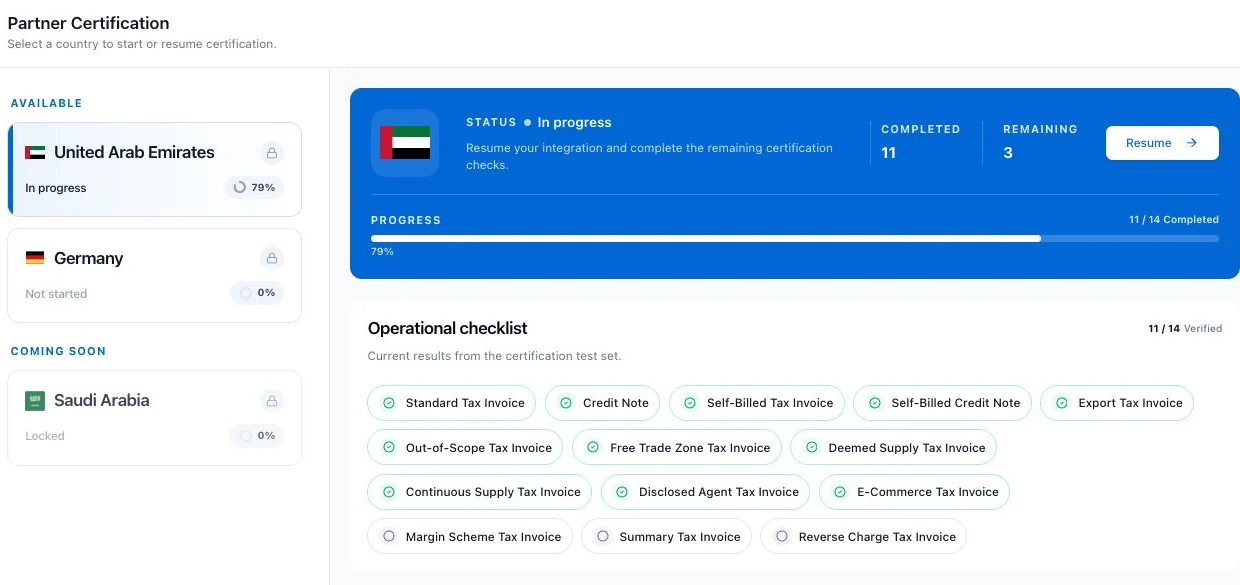
- Sign in to Partner Platform and open Certification in the Developer Portal menu. If another page shows Go to Certification, you can use that button instead.
- Select a country under Available.
- Read the Operational checklist. It shows the required checks and how many have passed.
A country under Coming Soon is locked and cannot be started. For an available country, select Start. If you already began, select Resume to return to your work.
Prepare the integration
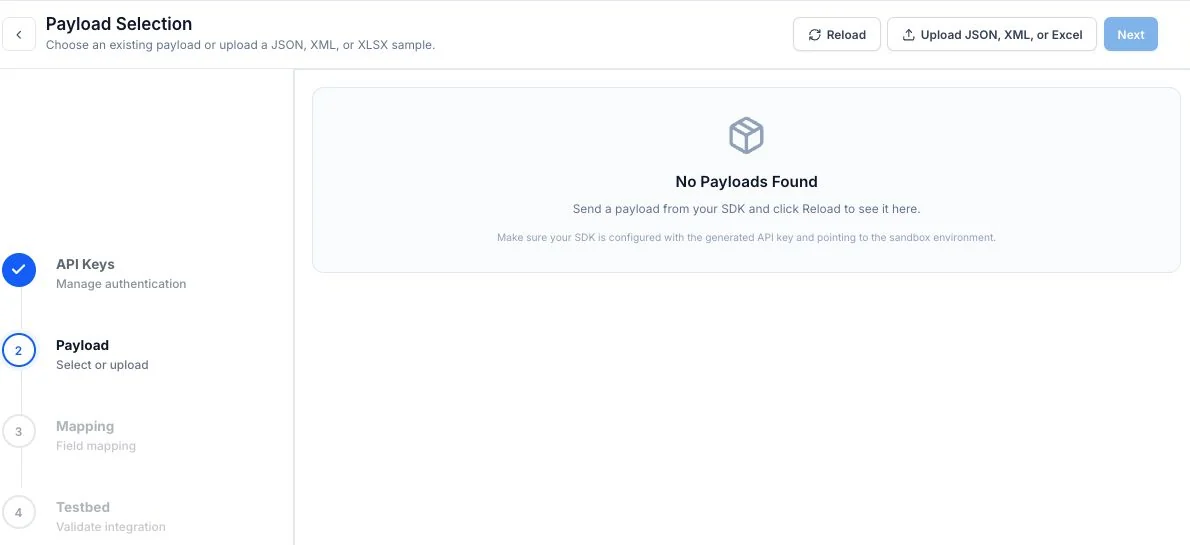
- In API Keys, use an existing key or select Generate new API key. If you generate one, copy the secret while it is shown; it is shown only once. Select Next.
- In Payload, select an existing sample or select Upload JSON, XML, or Excel to add one for the country. Select Next.
- In Mapping, map every mandatory GETS field and country field shown for your payload. GETS is the Complyance standard invoice format. Next becomes available when the required mappings are complete. Select it to open Testbed.
The flow saves your progress, so you can return with Resume.
Run the required checks
In Testbed, choose a payload for each test case and select Run. Review the result for each case. If a case fails, read its validation errors, correct the payload or mapping, and run it again.
The Passed count rises as test cases pass. Finish becomes available when all required test cases pass. Select Finish to return to Certification.
Confirm the certificate
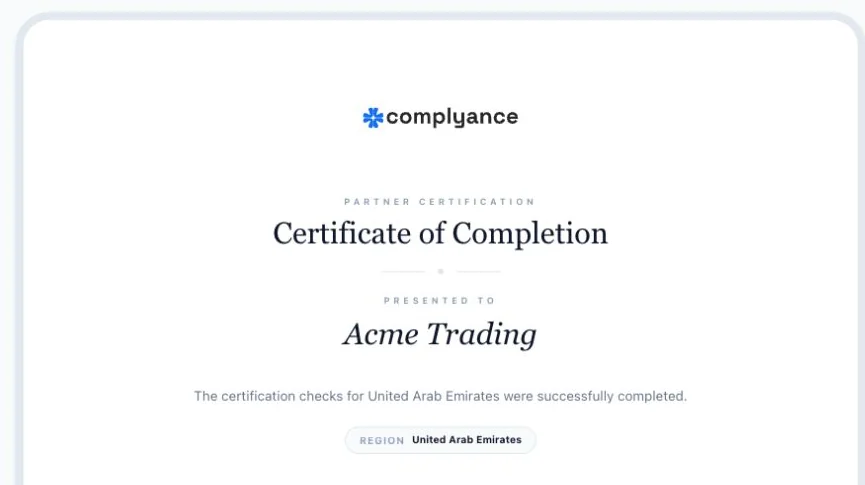
Select the country again. Its status should show Passed. The page shows a Certificate of Completion for the partner workspace and country. Check the Operational checklist for the current results of each required check.
If something goes wrong
- Certification could not be started. Try again. Select Start or Resume again. If the error persists, ask your workspace administrator to check access to Certification.
- A test case failed. Open its errors in Testbed, fix the affected payload or mapping fields, then select Run again. Finish stays unavailable until the required cases pass.
- A country is locked. The country is under Coming Soon. Choose an available country; a locked country’s certification flow cannot be started from this page.
- A previously passed country needs work again. Open the country checklist and use Resume to rerun the checks that are no longer passed.
Next, request a partner connection if certification was required for that work.